For decades, cybersecurity strategy has relied on a simple premise: if the infrastructure is secure, the transaction is secure. We trained employees to look for misspelled domains and broken padlocks. However, a new generation of cyber threats has rendered these assumptions obsolete. Adversaries are no longer hacking into trusted platforms; they are logging in to abuse them.
This article examines the rising threat of "Trusted Service Abuse," specifically through the lens of a recent phishing campaign exploiting Apple’s TestFlight platform.
It outlines why legacy security controls are failing to detect these threats and proposes a new paradigm for organizational resilience that relies on policy and verification rather than visual recognition.
iOS App Fake Testing Inviation : TestFlight Delivery
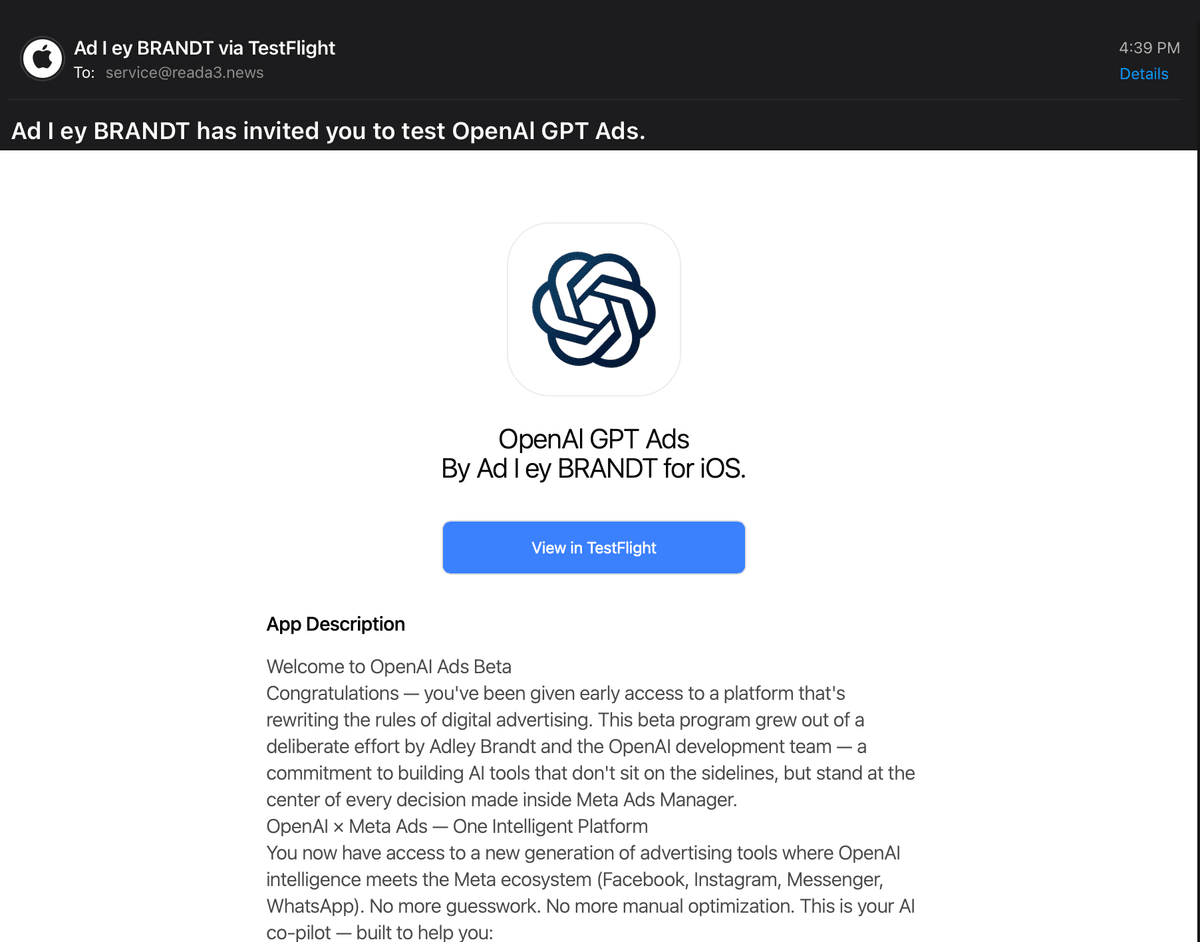
Recent intelligence reveals a sophisticated phishing technique that turns the security model on its head. Attackers are distributing fraudulent applications—such as an app impersonating an “OpenAI GPT Ads” tool—through legitimate software-testing infrastructure. The danger of this approach lies in the absence of traditional red flags.
- The email infrastructure is real.
- The link points to a genuine Apple domain (testflight.apple.com).
- The webpage is genuinely hosted by Apple.
- The HTTPS certificate is valid.
Yet, the application being promoted is not an official OpenAI product. The attacker is abusing a trusted platform to launder their malicious intent.
The Failure of Technical Controls
In traditional phishing, attackers rely on look-alike domains or spoofed emails. Security teams rely on gateways that analyze domain reputation, URL history, and sender authentication to block these attempts. Trusted Service Abuse breaks this detection model. When an attacker uses a legitimate Apple service to send an invitation, the security query returns a false negative:
Is the domain known to distribute malware? No.
Is the URL directing to a phishing site? No.
Is the sender spoofing another organization? No.
From the perspective of automated security systems, there is nothing malicious in the email. The domain is real, Apple is real, and the invitation mechanism is real. The fraud exists only in the identity being presented inside the application. Blocking the apple testflight domain is the only option to fully stop this risk. Or using mail filter rules to send alerts when incoming emails are from "testflight_no_reply@email.apple.com"
Redefining the Security Question
For years, we told users: "Check the link." This advice is now insufficient. A legitimate URL proves who owns the infrastructure, but it says nothing about who created the content. The fact that testflight.apple.com is secure tells us Apple operates the service; it does not prove that a third-party developer is authorized by OpenAI to distribute an app under their name. Attackers are moving away from building fake websites toward exploiting the inherent trust of the platforms we use every day. Policy Implications: Moving from "Check the Link" to "Verify the Request" We cannot reasonably expect employees to conduct forensic analysis of app developers, bundle IDs, or software signatures before accepting an invitation. Security cannot scale on the assumption that every user is an investigator. Instead, organizations must adopt a Zero-Trust approach to unsolicited actions. The core policy shift is simple: External beta-testing invitations and unsolicited software installs must be treated as untrusted, regardless of how legitimate the delivery mechanism appears. Even if the email looks legitimate, the logo looks right, and the link points to a trusted domain, a user should not proceed unless the request has been independently verified through a separate communication channel.
The Danger of "Just Testing It"
A common but dangerous reaction to a convincing invitation is curiosity: "I’ll install it and see what it does." This is a significant security risk. Malicious beta applications are often designed to harvest OAuth permissions, account logins, Multi-Factor Authentication (MFA) codes, and administrative access to platforms like Meta Business Manager or Google Workspace. By the time a user realizes the application is suspicious, they have already surrendered the keys to high-value corporate assets. A New Directive for High-Value Assets For executives and employees managing critical infrastructure—advertising accounts, financial systems, or cloud administrator panels—this threat vector poses an existential risk. One compromised identity can provide a gateway to the entire corporate ecosystem. The most effective defense is a cultural shift. Security awareness must evolve from a technical checklist to a behavioral policy: "Do not trust an unsolicited software invitation simply because the technology looks legitimate."
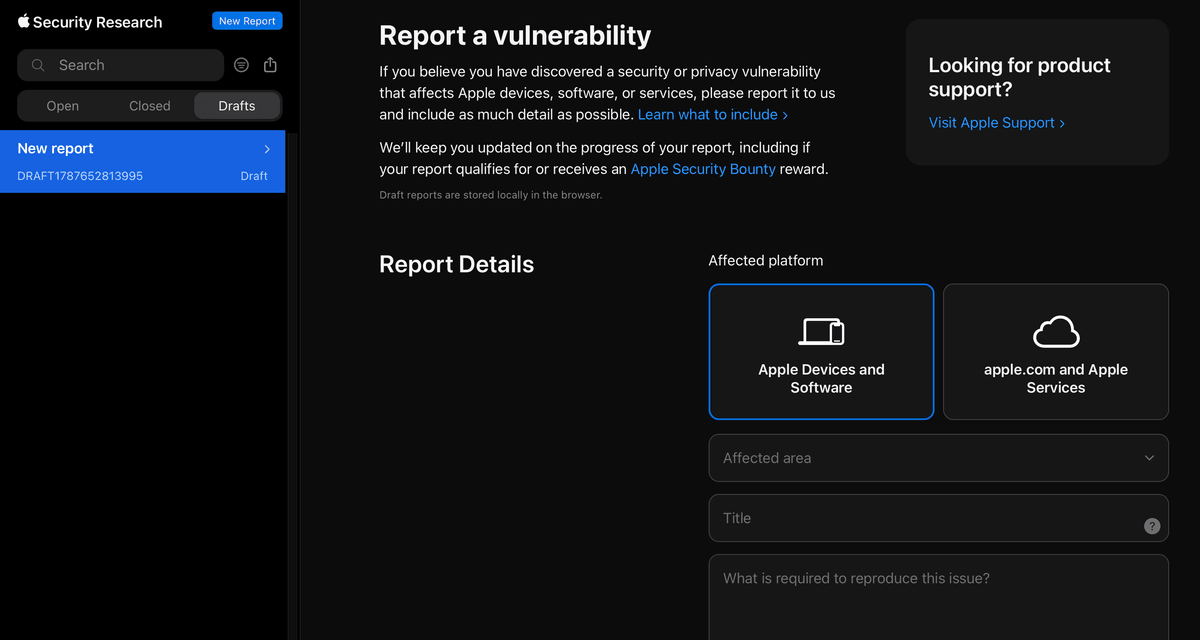
User can contact Apple Security at
Apple Security — if you want to emphasize that this is a systemic phishing/trusted-platform-abuse issue : Apple Security Research reporting portal (https://security.apple.com/reports)